
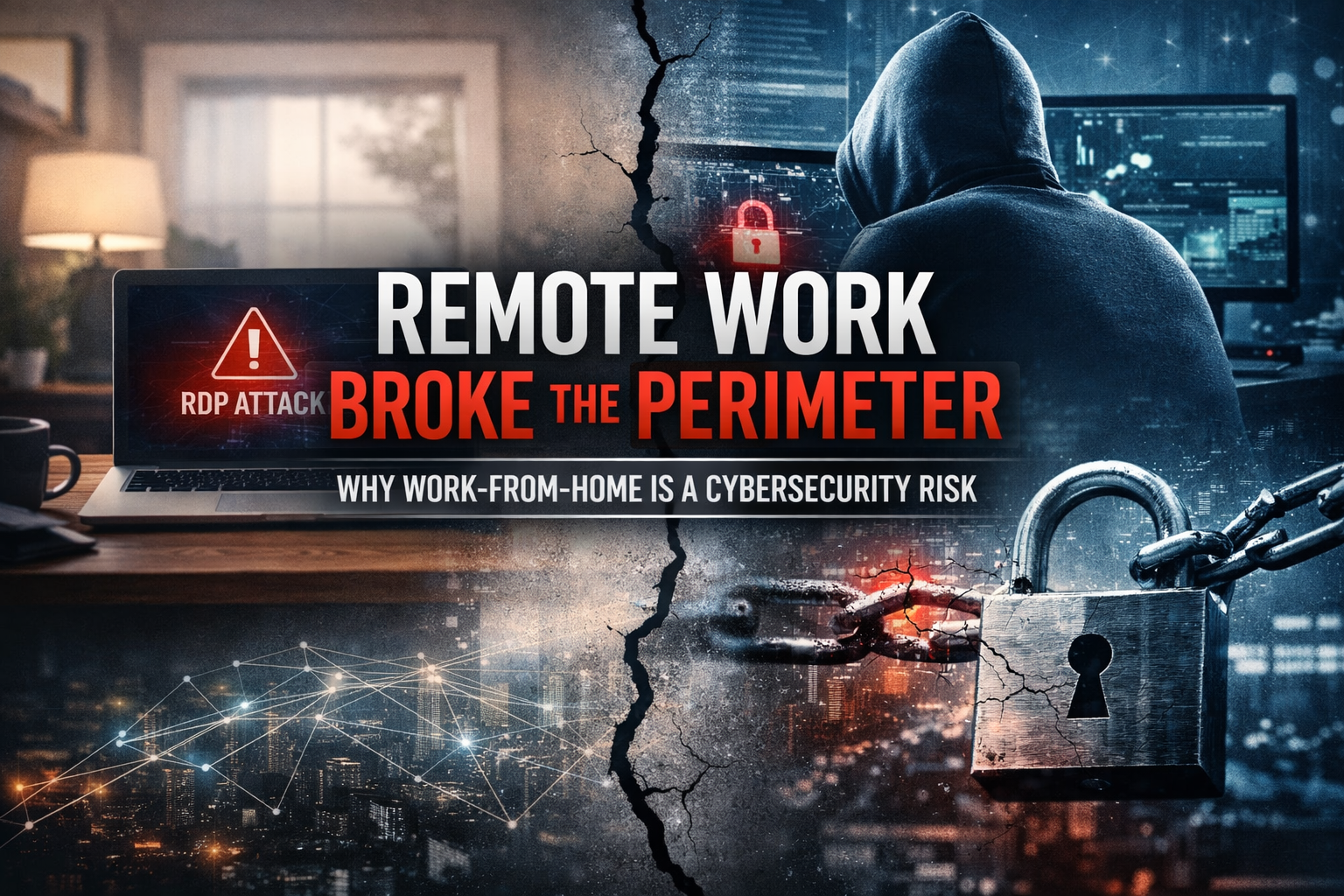
Executive warning shot for small–mid business owners and corporate boards. Measured, plain-English reality check with RDP case studies and citations.
Remote work isn’t a perk anymore. It’s embedded in how companies operate. That’s great for flexibility and talent retention. But the broad and often rapid shift to home-based workforces has created a set of cybersecurity exposures that directly affect your bottom line and enterprise resilience.
At the heart of this risk is remote access infrastructure, particularly insecure implementations of Remote Desktop Protocol (RDP), plus inconsistent controls around VPNs, endpoints, and credentials that support remote work.
Below is a grounded assessment of why hybrid and remote posture has become a cybersecurity problem, backed by real compromise patterns and references. We end with an executive checklist and actionable risk framing.
1) The Expansion of Remote Attack Surface
What changed?
The rapid adoption of remote work increased reliance on remote access technologies like VPNs and RDP. Workers connecting from home networks often use personal devices, consumer routers, and inconsistent patching, increasing the number of potentially exposed corporate endpoints. Academic research notes remote work introduced new threat vectors because organizations often deployed remote capabilities quickly without mature security frameworks in place.[1]
Attackers took notice
Government and industry reporting consistently highlights remote access as a top pathway for initial compromise. Phishing, stolen credentials, and exposed remote services remain primary intrusion patterns.[2]
Threat reporting has also documented large-scale RDP targeting activity (including botnet-driven scanning and password attacks), emphasizing that exposed remote access endpoints can attract relentless automated attention.[3]
2) RDP: The Perfect Vector for Opportunistic and Targeted Threats
Why RDP is a risk
RDP provides full interactive access to Windows systems. Once an attacker authenticates, they can control the device in a way that is functionally similar to a legitimate user session, enabling rapid theft, lateral movement, and ransomware staging.[4]
During the growth of remote work, organizations frequently expanded remote access quickly. In many environments, RDP was exposed without adequate hardening or access controls, making it attractive to attackers.[5]
Brute force, credential stuffing, and botnets
Attackers commonly use automation to guess passwords (brute force) or test stolen credentials across many systems (credential stuffing). Exposed RDP services are a common target for scanning and repeated authentication attempts.[4]
Case studies that should alarm boards
Sophos Active Adversary Findings (incident response cases)
Sophos has reported that RDP abuse appeared in a significant portion of incident response cases, with external remote services frequently serving as the initial entry path. In some scenarios, organizations experienced repeat compromise when remote access exposures were not fully remediated.[6]
MedusaLocker ransomware (RDP exposure pattern)
Security analysis has documented MedusaLocker operators and affiliates targeting internet-exposed remote services, including RDP, as an entry path before deploying ransomware.[7]
Government alerts tie remote access to ransomware
U.S. government advisories have repeatedly identified poor remote access hygiene (including stolen or brute-forced credentials and exposed services) as a leading factor in ransomware and intrusion activity.[2]
3) Remote Work Practices That Amplify Risk
Personal devices and unmanaged endpoints
Remote work often blends corporate access with personal devices and home environments. Unmanaged endpoints may lack timely patching, robust endpoint detection, or enforced security baselines, creating opportunities for compromise.
Shadow IT and unsanctioned tools
Teams sometimes adopt remote access tools, “quick” file sharing services, or productivity apps without IT oversight. This expands the attack surface and can bypass logging and security controls.
Lack of centralized logging and monitoring
Traditional perimeters made it easier to concentrate monitoring. Hybrid work without consolidated telemetry creates blind spots that hide suspicious remote logins, unusual authentication patterns, or early attacker behavior.
4) The Compounding Effect on Ransomware and Lateral Movement
Once inside via a remote access foothold, attackers rarely stop at a single system. Lateral movement, privilege escalation, and domain compromise can follow quickly, especially in flat networks with shared admin credentials or weak segmentation. Research continues to highlight the role of remote services in enabling broader compromise and lateral movement pathways.[8]
5) What You Should Do Now: Executive Cybersecurity Checklist
A) Reduce exposure
- Eliminate unnecessary public RDP exposure (do not expose port 3389 to the internet).
- Limit remote access to defined IP ranges or use modern access brokers / Zero Trust approaches.
- Disable RDP where it is not required, and remove legacy remote access pathways.
B) Identity and credential hygiene
- Enforce multi-factor authentication (MFA) for all remote access.
- Implement credential policy enforcement for privileged accounts, including rotation and just-in-time elevation.
- Harden identity posture (monitor for impossible travel, suspicious login bursts, and credential reuse).
C) Network and endpoint controls
- Patch and monitor VPNs and remote access gateways aggressively (treat them as high-risk).
- Segment remote access zones away from critical systems and directory services.
- Deploy endpoint detection and response (EDR) consistently, including remote and executive endpoints.
D) Monitoring, detection, and response
- Centralize logging and alerting for remote authentication (especially RDP) events and failed login spikes.
- Alert on anomalous access patterns (after-hours access, new geo, unusual device fingerprint).
- Run tabletop exercises and validate incident response playbooks for ransomware and credential compromise.
6) Framing the Risk for Your Organization
Remote work is here to stay. So are adversaries who know that remote access is the fastest way into an organization. Exposed RDP and weak remote access controls are not niche issues. They are frontline vectors used across ransomware and intrusion activity, and they will continue to be tested continuously by automated attacks.[6]
This is not just an “IT problem.” It’s an enterprise risk with operational, financial, and reputational consequences. For boards and executives, remote access security is a governance item, not a technical footnote.
7) Sentinel Vault: Supporting Your Cyber Resilience
If your organization lacks visibility into remote access exposure or struggles to operationalize security controls around a hybrid workforce, Sentinel Vault can help you:
- Identify risky remote access configurations and external exposure
- Prioritize remediation actions based on real threat activity
- Build monitoring and response aligned to executive risk metrics
Secure remote access or risk being next in the headlines. If you want a fast, executive-friendly readout of where you’re exposed and what to fix first, Sentinel Vault can help.
References
- ArXiv: “Remote Work Security” analysis (WFH threat vectors and security posture). https://arxiv.org/abs/2107.03907
- CISA Cybersecurity Advisory AA22-040A (ransomware and initial access patterns, including remote services/credentials). https://www.cisa.gov/news-events/cybersecurity-advisories/aa22-040a
- Security Affairs: reporting on large-scale RDP attack activity. https://securityaffairs.com/183389/security/researchers-warn-of-widespread-rdp-attacks-by-100k-node-botnet.html
- SentinelOne: Remote Desktop Protocol overview and common abuse patterns. https://www.sentinelone.com/cybersecurity-101/identity-security/remote-desktop-protocol/
- Remote Desktop Protocol overview (background/reference). https://en.wikipedia.org/wiki/Remote_Desktop_Protocol
- Sophos: “Cybercriminals abuse RDP…” (IR findings and prevalence in cases). https://www.sophos.com/en-us/press/press-releases/2024/04/cybercriminals-abuse-remote-desktop-protocol-rdp-90-attacks-handled
- RealVNC: Remote access attack discussion including ransomware examples. https://www.realvnc.com/en/blog/remote-access-attacks/
- ArXiv: lateral movement / remote service exposure research. https://arxiv.org/abs/2508.21005